Video Text Remover

Remove text, subtitles and burned-in captions from video online. AI reconstructs the background without blur. 30 free credits, no credit card required.

  • Natural-Looking Results
  • Clear Video Output
  • Precise Area & Timing
How it works

Upload → AI Process → Download

Three steps to remove hardcoded text, captions, and subtitles from video online.

  1. Step 01

    Upload

    Drop an MP4, MOV, or WEBM clip with hardcoded text, captions, or subtitles you want gone.

  2. Step 02

    AI Process

    AI detects on-screen text and reconstructs the covered background — no blur, no crop.

  3. Step 03

    Download

    Preview the clean result and download it ready for editing, posting, or reuse.

Features

Everything you need to clean on-screen text

Built for text removal — titles, captions, and burned-in subtitles — with AI that rebuilds the background instead of blurring it.

Remove Text from Video Online

Clear hardcoded titles, labels, and text overlays in the browser — no desktop editor required.

Remove Subtitles from Video

Erase burned-in subtitles so you can re-caption, translate, or reuse the same footage.

Remove Captions from Video

Strip embedded captions from Shorts, Reels, and tutorials before adding a new language track.

Remove Titles and Labels

Clean channel names, lower-third style text, timestamps, and other fixed on-screen words.

AI Video Text Remover

Scene-aware inpainting rebuilds the background behind removed text instead of smearing pixels.

Remove Burned-In Text Free

Start with 30 free credits — enough to try a short clip with no credit card required.

Before / After

Clean results without blur

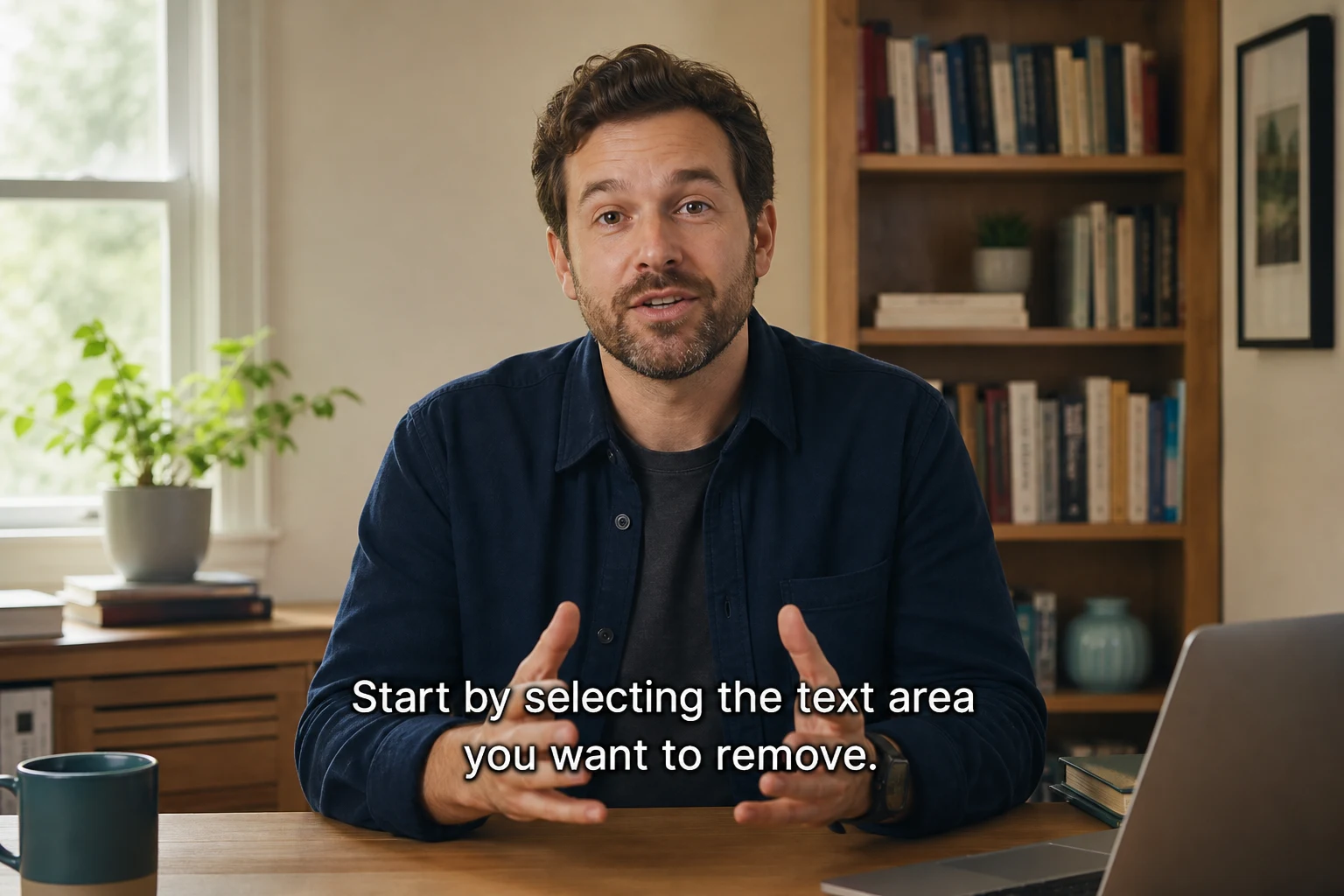
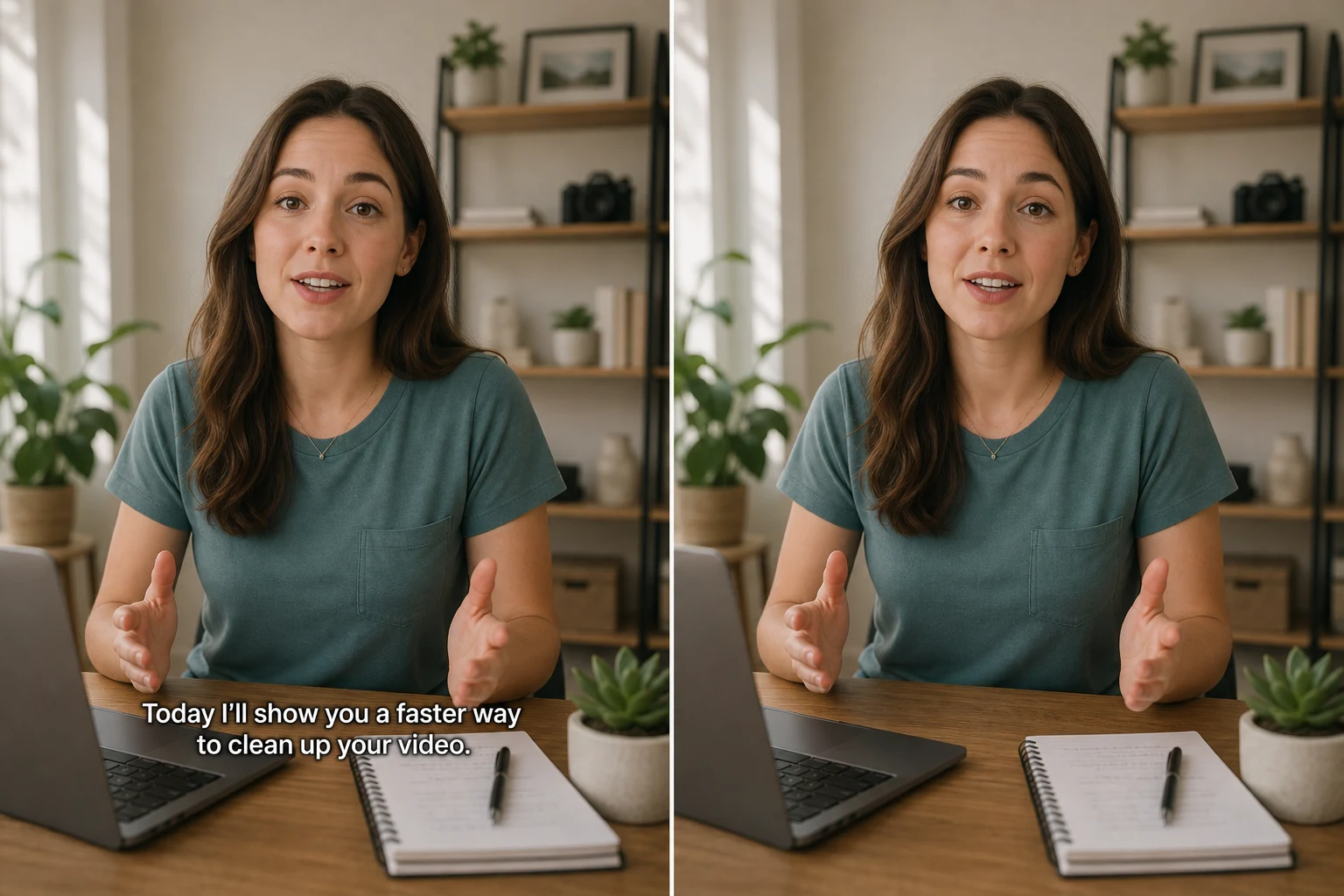
AI reconstructs the covered background — hardcoded text and burned-in subtitles come off without soft patches.

Before and after removing hardcoded text from video without blur

Hardcoded text

Remove Hardcoded Text Without Blur

Titles and baked-in words come off while AI rebuilds the covered area — no soft patches left behind.

Before and after removing burned-in subtitles from video without blur

Burned-in subtitles

Remove Burned-In Subtitles Cleanly

Hardcoded captions disappear while motion and background detail stay intact — not blurred out.

Use cases

Pick the workflow that matches your clip

Common text-cleanup jobs — captions, short-form titles, and tutorial overlays.

Remove Captions & Subtitles

Clean burned-in captions before localizing or re-captioning tutorials and short videos.

Remove captions

Clean Titles on Shorts

Strip usernames, title text, and other on-screen words before reposting across channels.

Clean short video

Update Tutorial Overlays

Erase outdated labels and step text from demos so you can ship a fresh version without re-shooting.

Clean tutorial text
FAQ

Common questions

Blur, what we remove, formats, free credits, and cards — answered briefly.