Video Text Remover
You're here. Upload a video and remove text, captions, and overlays with AI — right on this page.
Formats: MP4, MOV, AVI, MKV

Our video text remover erases text, captions, and subtitles from any video with AI-powered background reconstruction. Clean, blur‑free results in minutes — preview the result for free before processing the full video, no credit card required to preview.
ODDLY SATISFYING
GLASS PINEAPPLE CUT
Crystal slices. Zero cleanup.
Preview your own result for free before processing the full video — no credit card required to preview.
Pick the workflow that matches your overlay — text, logos, subtitles, watermarks, TikTok text, or a supported Gemini/Veo mark.
You're here. Upload a video and remove text, captions, and overlays with AI — right on this page.
Formats: MP4, MOV, AVI, MKV

Clean corner watermarks, channel logos, TikTok marks, and stock preview stamps. Auto logo libraries or manual box selection for custom overlays.
Formats: MP4
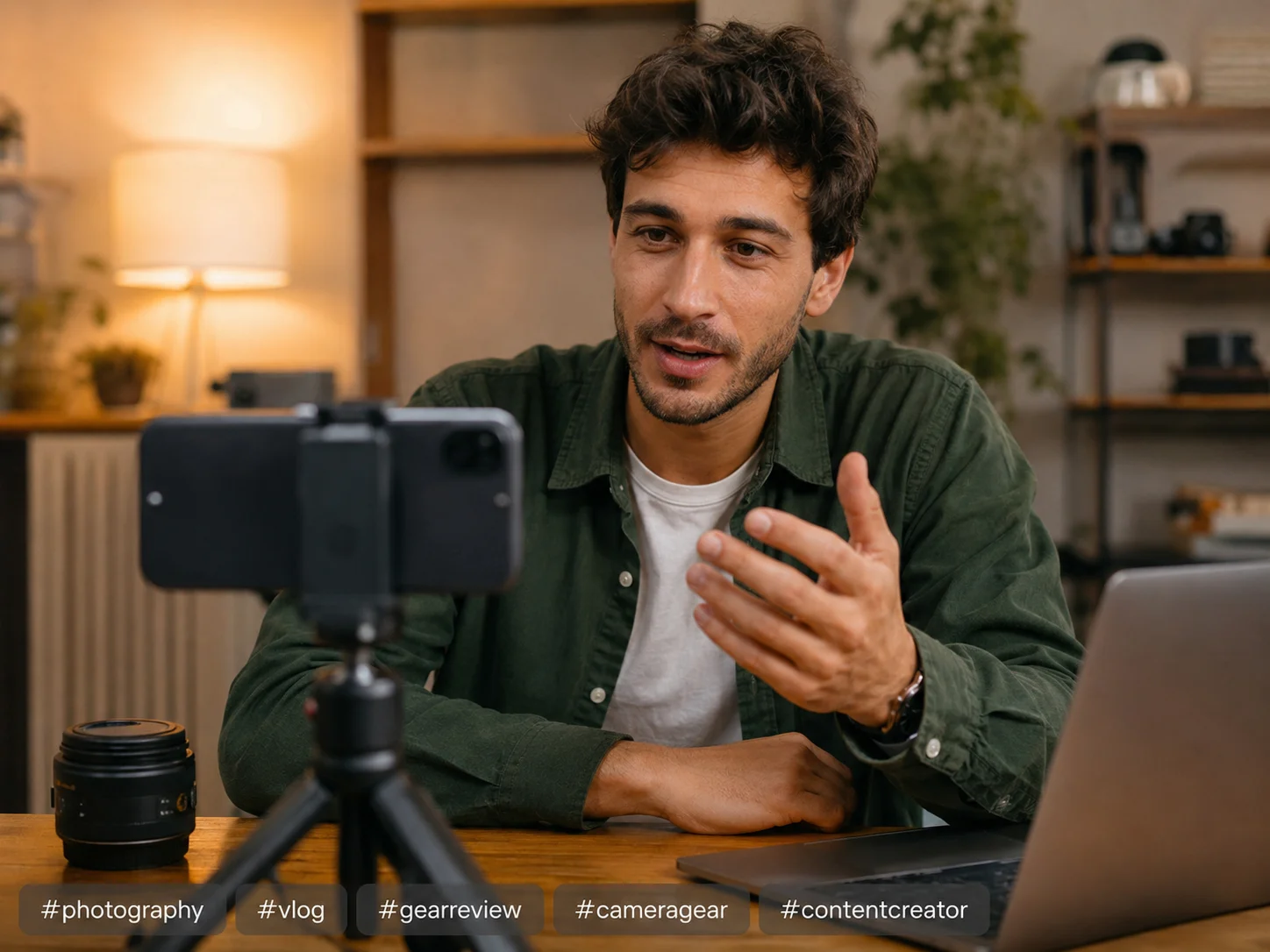
Remove logo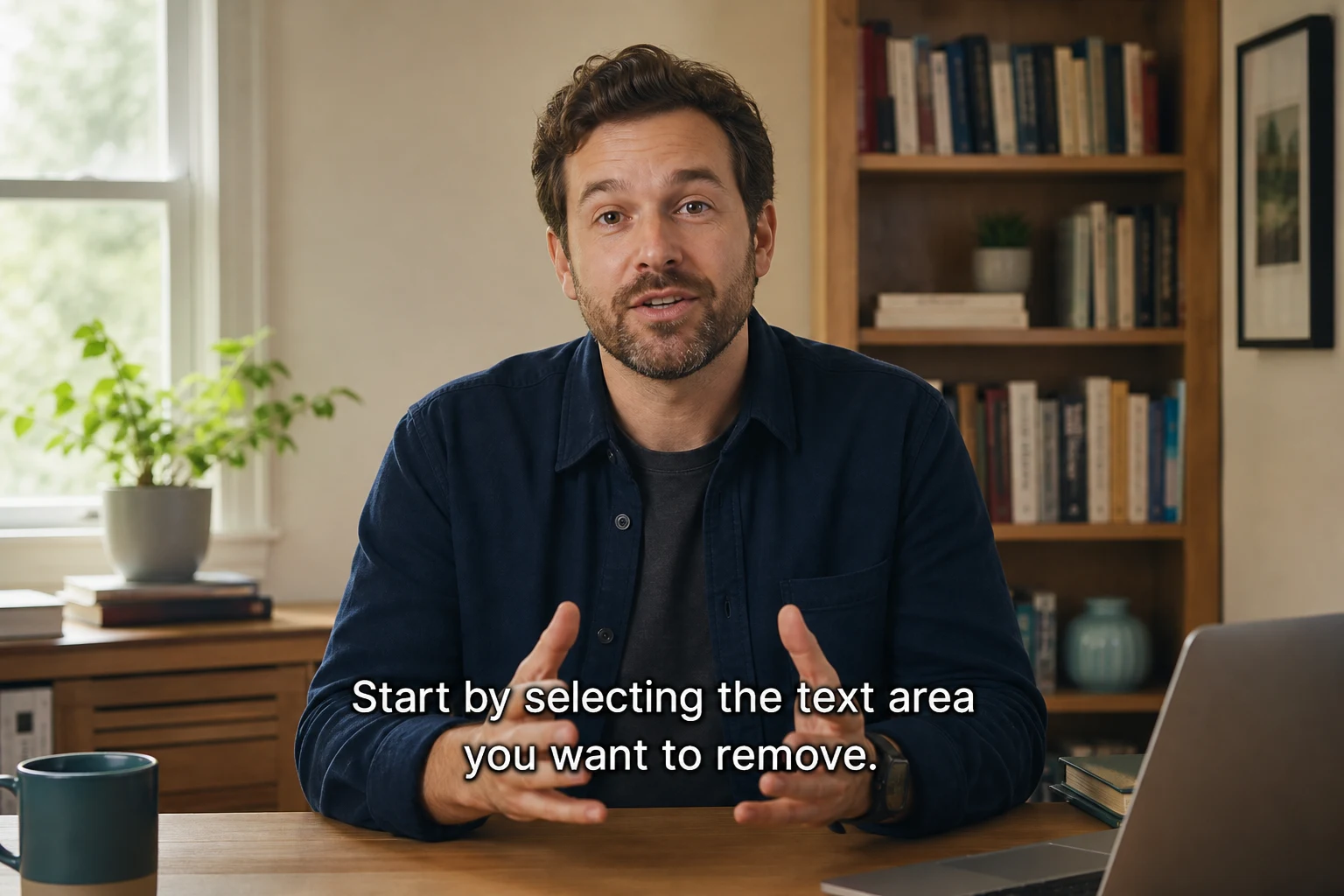
Strip hardcoded subtitles and captions that cannot be turned off. Box the subtitle strip and download a clean clip without blur or crop.
Formats: MP4, MOV, AVI, MKV
Remove subtitles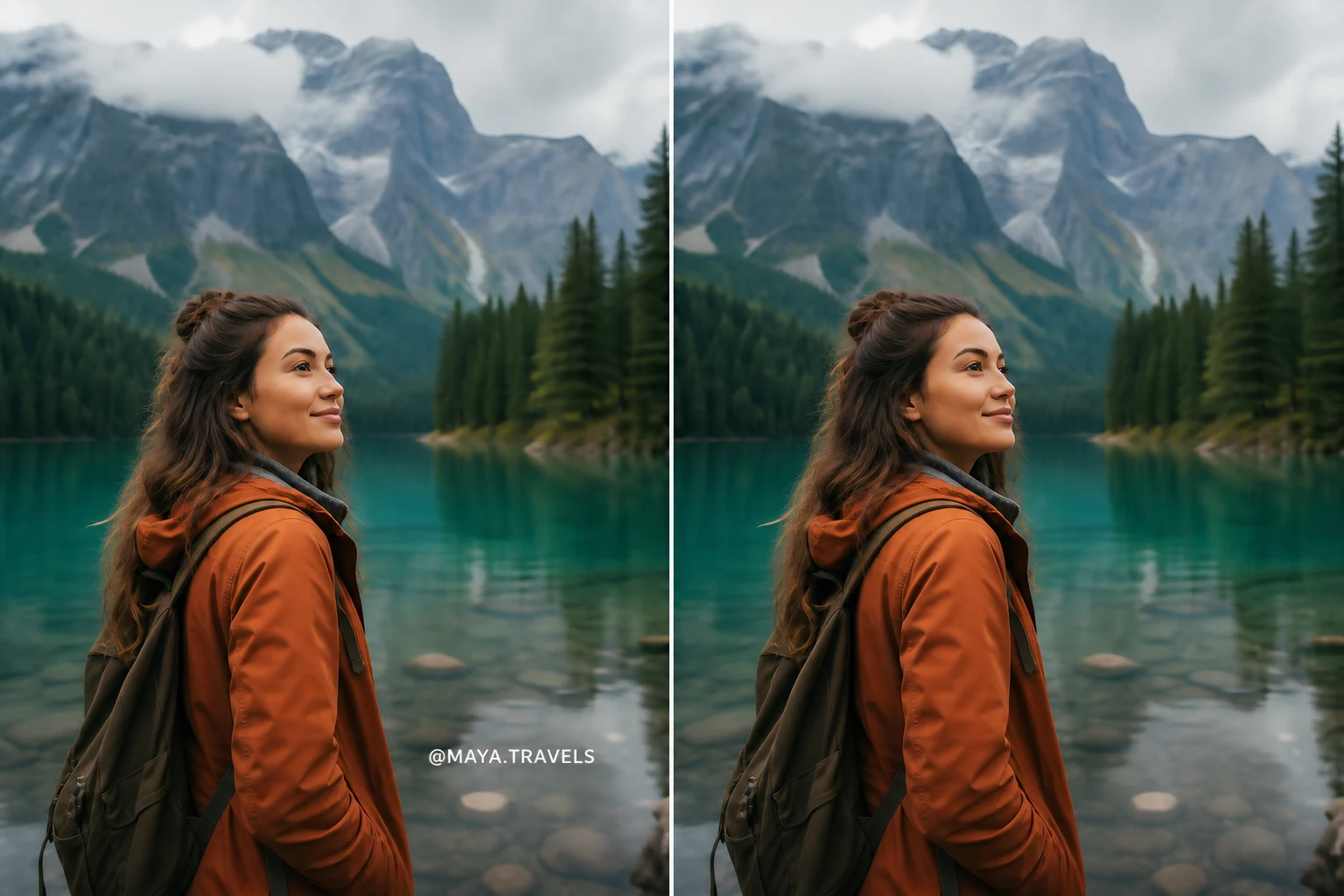
Stock preview marks, TikTok stamps, screen recorder logos, and app export watermarks — box the mark and download a clean clip. AI rebuilds the background behind the watermark on every frame.
Formats: MP4
Remove watermark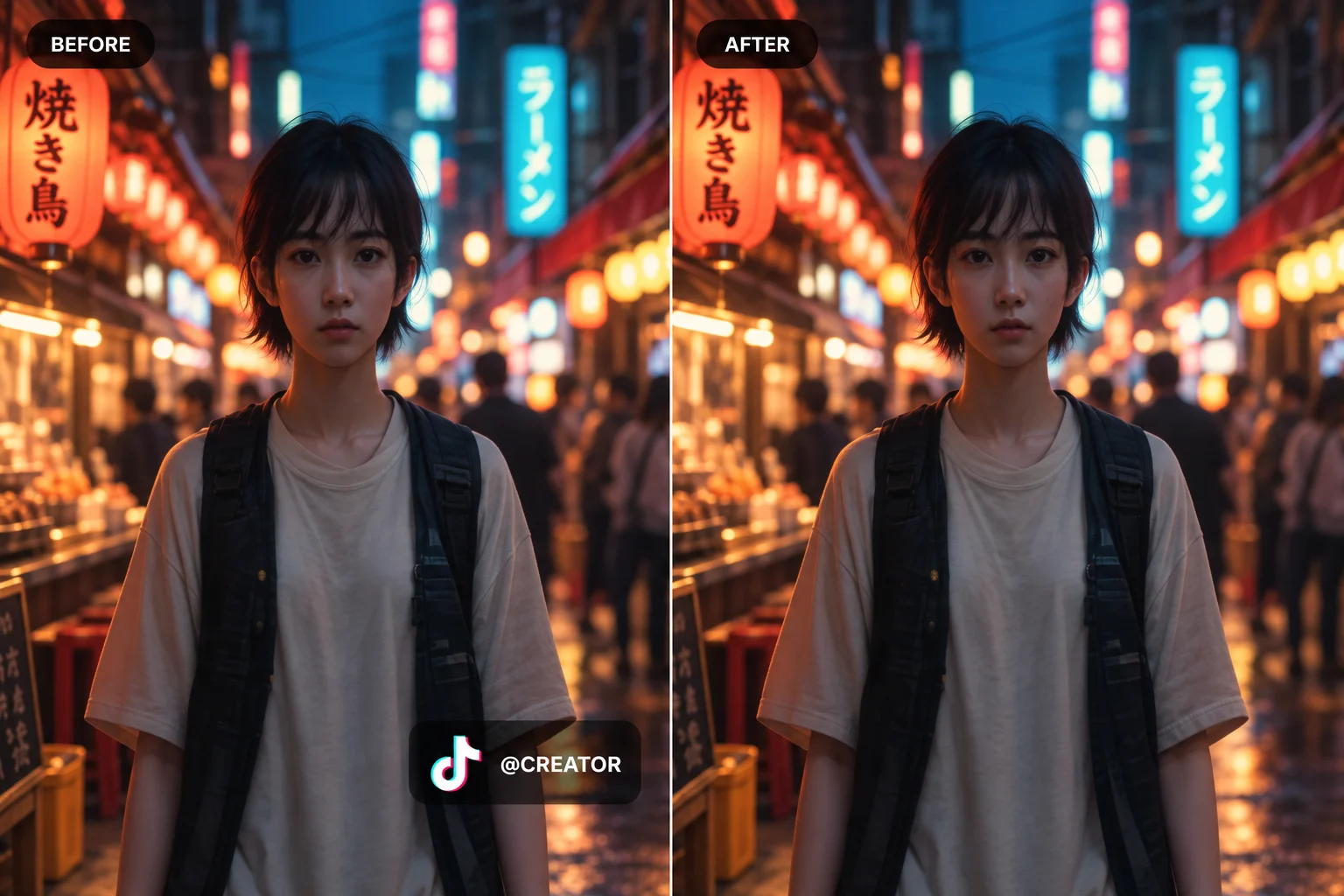
Clean TikTok video overlays, usernames, and text stickers without cropping or blurring.
Formats: MP4, MOV, AVI, MKV
Remove TikTok Text →Remove supported visible Gemini and Veo watermarks with automatic detection and browser-local video processing. No upload, account, or credits.
Formats: MP4, MOV, AVI, MKV
Remove Gemini watermarkUpload, let AI remove text and reconstruct the background, then download — no watermark, no install.
Drag and drop your MP4, MOV, AVI, or MKV file into the upload box above. Our video text remover handles files up to 500MB and works entirely in your browser — no software to install, no plugins, no hassle. Pick your video and we take care of the rest.
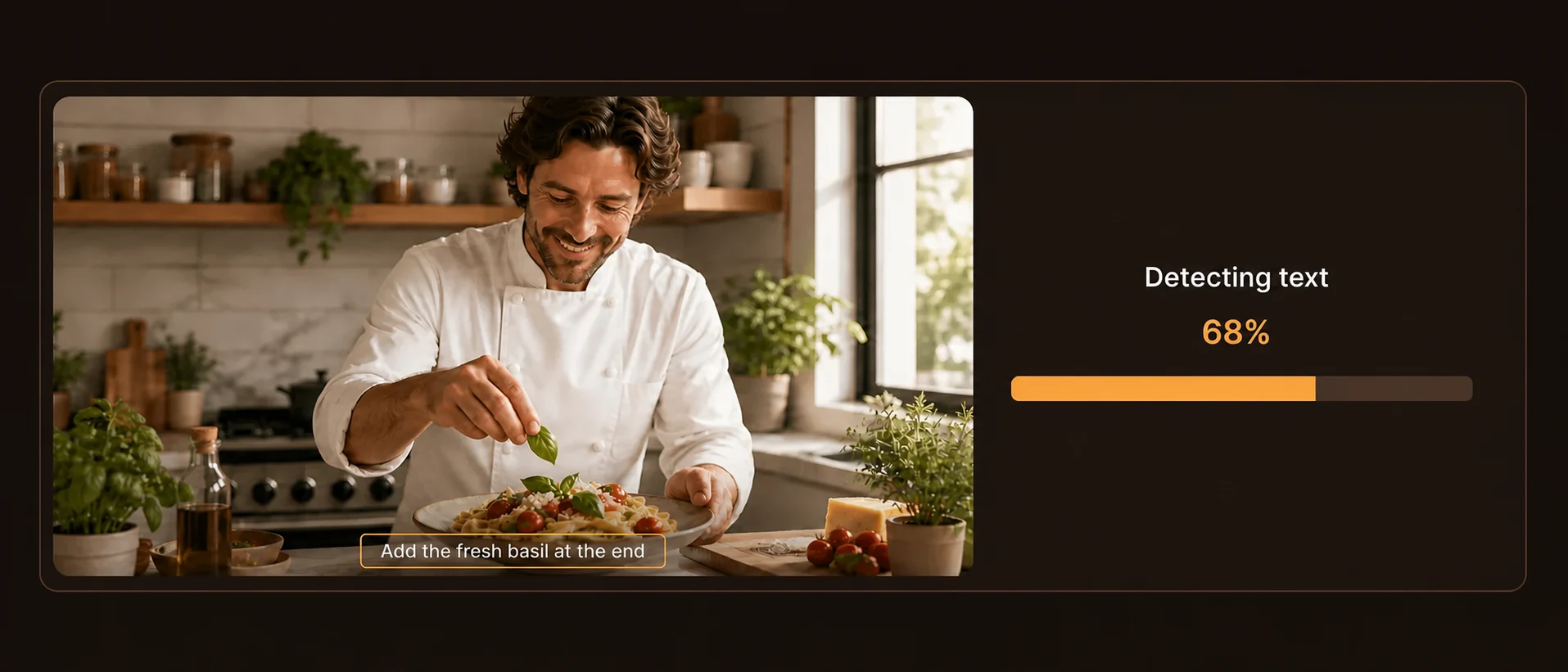
Our AI scans every frame, identifies text regions — burned‑in subtitles, TikTok captions, timestamp overlays, or watermarks — and reconstructs the background behind them. No blur. No ghosting. No patchy artifacts. That's the difference between a real video text remover and a basic editing trick.

Once processing finishes, download your video in the original resolution and frame rate. No watermark added. No compression. Sign in to preview the result for free before processing the full video — no credit card required to preview.
Whether you're a content creator cleaning up TikTok clips, a video editor stripping burned‑in subtitles from stock footage, or someone who accidentally left a text overlay in the wrong spot — a reliable video text remover saves hours of manual frame‑by‑frame work. Here's what makes the tool useful for common video cleanup tasks.
From burned-in subtitles to TikTok watermarks — AI reconstruction, not blur, across the formats you already use.
Manually erasing text from a video takes hours — masking every frame, cloning background pixels, hoping the result doesn't turn into a blurry mess. Our AI video text remover automates the whole thing. Upload, process, and get a clean result with the background perfectly reconstructed as if the text never existed.
Need a free online workflow with no credit card to preview? Sign in to generate a free result preview before full processing, erase captions and overlays in your browser, then download a clean clip — no watermark added on export.
Tired of “free” tools that stamp their brand on your download? Erase captions and overlays, then export a clean clip with zero tool branding added — preview the result for free after signing in, no credit card required to preview.
Hard‑coded subtitles are the most common headache. Downloaded a tutorial clip with embedded captions you can't turn off? Repurposing a webinar and need to strip the original subtitles? Our tool handles burned‑in subtitles across all frame positions — lower third, center, or top — without damaging the footage underneath.
Corner watermarks, channel logos, TikTok marks, and stock preview stamps — box the logo and let AI erase it frame by frame. No blur, no crop. Dedicated tool for logos and watermarks that don't need full-frame text detection.
Stock preview marks, TikTok stamps, screen recorder logos, and app export watermarks — box the mark and download a clean clip. AI rebuilds the background behind the watermark on every frame.
Most text‑removal tools just smear the area behind the words. Ours doesn't. We use context‑aware background reconstruction to rebuild what was actually behind the text — matching colors, textures, and motion from surrounding frames. The result looks natural, as if the text was never there in the first place.
MP4, MOV, AVI, and MKV — upload whatever you have. Your output keeps the original resolution, frame rate, and quality. No forced compression, no format conversion surprises. Files up to 500MB are processed directly in your browser with no upload delays or queue waiting.
Sign in to preview the removal result for free — no credit card required to preview. Standard processing uses 1 credit per second; Advanced text uses 2 credits per second. Buy credits only when you decide the full video is worth finishing.
But don't take our word for it — see the results yourself. Below are real examples of our video text remover in action, side by side. From TikTok watermarks to hard‑coded subtitles, watch how the AI reconstructs backgrounds without leaving a trace.
TikTok watermarks and burned-in subtitles — gone, with backgrounds reconstructed frame by frame.
TikTok watermark
The original clip had a TikTok watermark bouncing across the bottom‑right corner through all 30 seconds. After running it through our logo remover, the watermark is gone — and the background behind it is fully reconstructed frame by frame. No blur. No smudge. No color mismatch where the logo used to be. Ready for Instagram Reels, YouTube Shorts, or anywhere else.
Remove watermark from video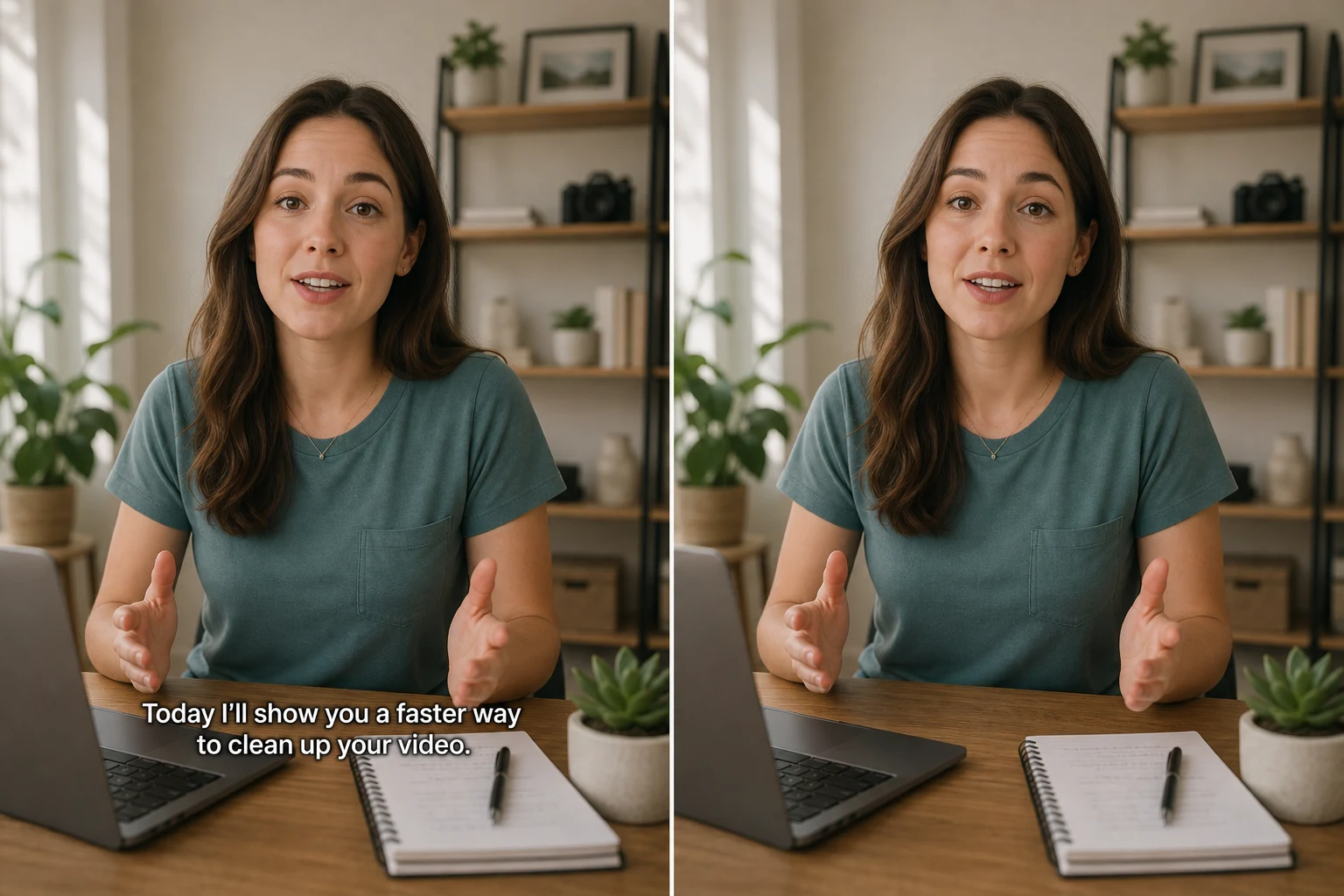
Burned-in subtitles
This tutorial clip shipped with hard‑coded English subtitles across the lower third of every frame. Our AI identified the text region, removed it across all frames, and rebuilt the original video background underneath. Same frame rate. Same color grading. Same quality. The subtitles are gone, and nothing else changed.
See real examples below — or jump back to the tools section to pick a workflow and start cleaning.
Got a video with hard‑coded captions you can't turn off? Whether it's a downloaded tutorial, a repurposed webinar recording, or foreign‑language subtitles you need to replace — our video text remover strips captions cleanly without damaging the footage underneath. Clean, caption‑free video in minutes.
Remove SubtitlesTikTok videos come loaded with text overlays, captions, and watermarks that make cross‑platform reposting a headache. Our video text remover handles them all — from bouncing logos to on‑screen caption text — so you can post clean videos to Instagram, YouTube, or your portfolio without the clutter.
Remove TikTok TextStock preview watermarks, TikTok stamps, screen recorder logos — any persistent mark baked into your clip. Our AI reconstructs the background behind watermarks with the same frame‑by‑frame precision used for subtitles and captions. Clean output, original quality, no trace left behind.
Remove Watermark📖 New to removing text from videos? Read our step-by-step guide: 4 free ways to remove text from any video.
Blur, formats, free preview, privacy, and imperfect results — answered in plain language.
Product updates, guides, and engineering notes from the team.