

Stock footage watermarks
Shutterstock, Adobe Stock, and Getty preview marks baked onto sample clips.

Remove any watermark from your video — stock footage marks, TikTok logos, screen recorder stamps, or app watermarks — right in your browser. Create a free account, upload an MP4 clip, box the watermark, and download a clean video in minutes.
Preview your own result for free before processing the full video — no credit card required to preview.
The whole process takes about a minute, with zero editing experience.
Drag and drop an MP4 file.
Draw a rectangle over the mark — the tool detects the area and prepares to erase it.
The AI reconstructs the background behind the watermark so the shot reads as if the watermark was never placed there.
No timeline, no keyframes, no learning curve.
From stock preview marks to drifting platform stamps — if it is burned into the frame, you can box it and erase it.
Shutterstock, Adobe Stock, and Getty preview marks baked onto sample clips.
The platform logo and username stamp added when you download or re-export a short video.
Bandicam, OBS, and other recorder logos in the corner of captured footage.
Export marks left by video editors and mobile apps.
Marks that drift across the frame or follow a subject. AI removal handles motion far better than blur or mosaic.
If your watermark sits on moving or detailed footage, AI removal is the only method that leaves a natural result — blur and crop always leave a trace.
Cleaning a supported visible mark from Veo, Flow, or Gemini? Use the dedicated Gemini watermark remover for automatic browser-local processing.
If the overlay is burned-in captions rather than a watermark, switch to remove subtitles from video and box the subtitle strip instead.
Illustrative examples of stock marks, social-platform stamps, and recorder logos before and after removal.

Platform logo and username stamp erased with the background rebuilt frame by frame.
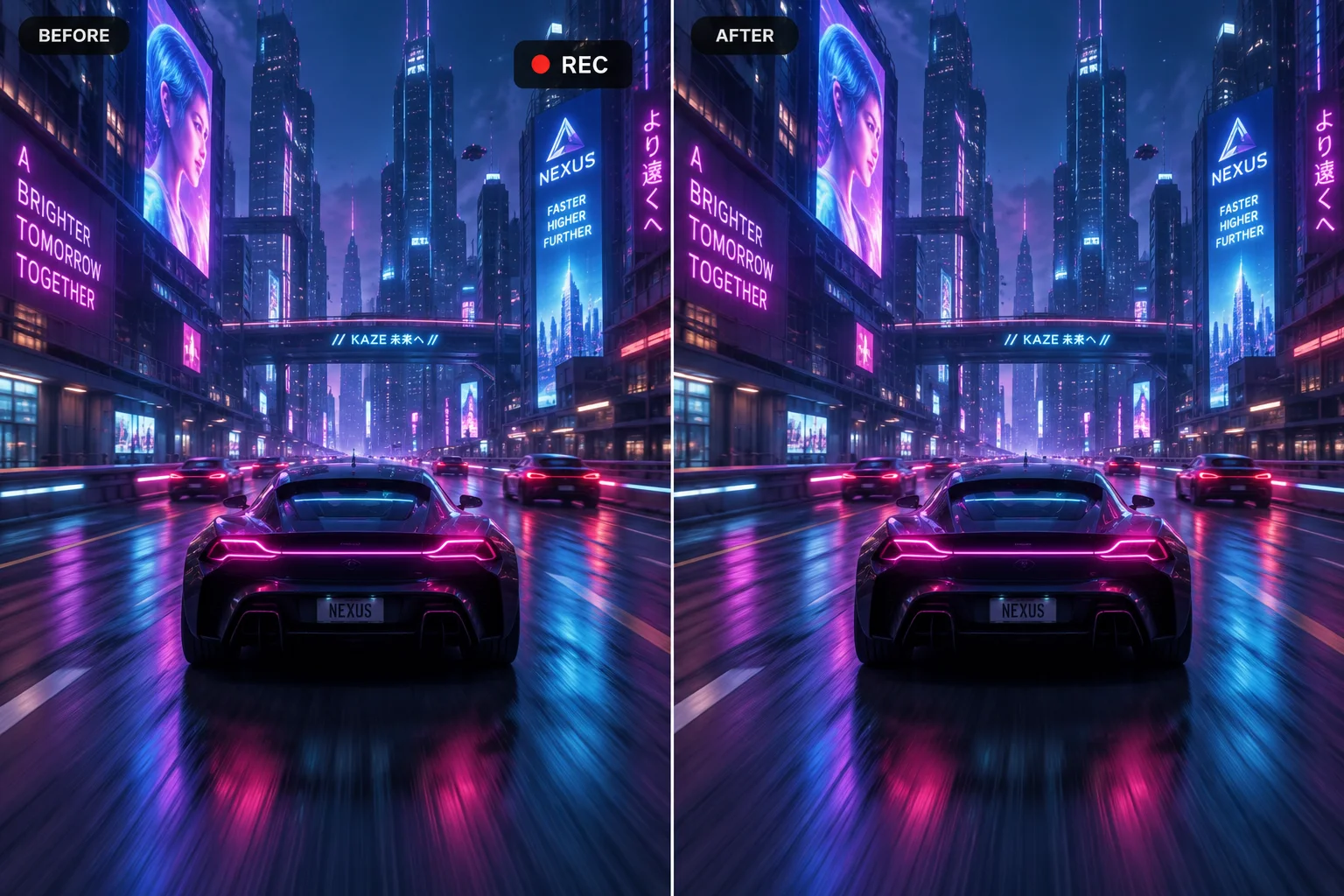
A pure-text preview watermark cleaned without blur or a visible patch on moving backgrounds.
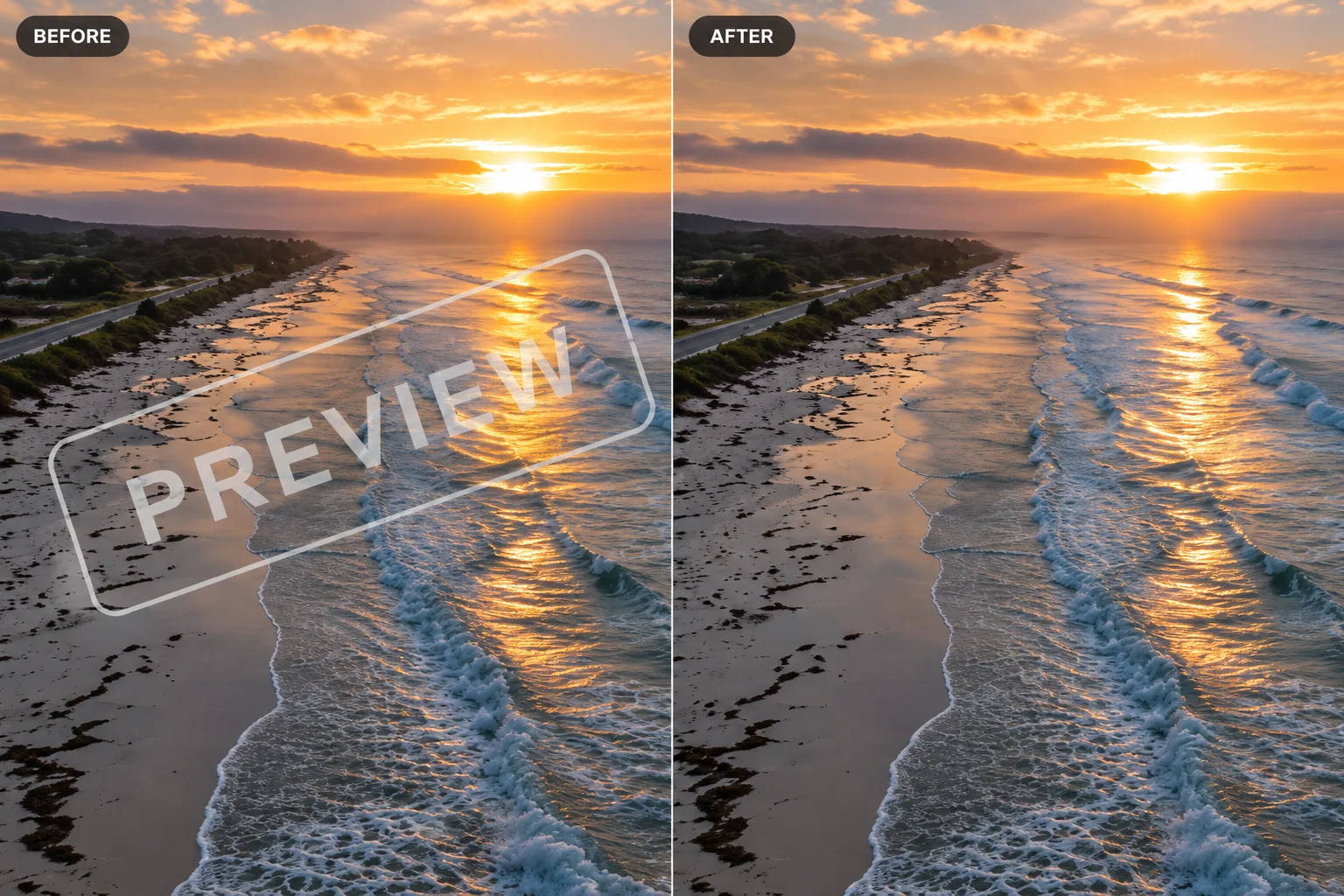
Corner recorder logo erased while preserving color, texture, and motion underneath.
A watermark isn't a sticker sitting on top of your footage — it's burned into the pixels. When a stock platform exports a preview file, the watermark is baked into the same image data as the scene behind it, frame by frame.
That's why the manual workarounds fail. Blurring smears the mark into a foggy patch that drifts with every camera movement. Cropping throws away part of the frame and changes the composition the editor approved. Covering the mark with a shape just replaces one distraction with another.
Real removal means reconstructing what the watermark was hiding: the texture of the wall behind it, the motion of the subject passing over it, the lighting on the surface it covered. Our AI looks at the surrounding frames — before and after the mark — and rebuilds that missing detail so the shot reads as if the watermark was never placed there in the first place.
Blur, formats, free preview, privacy, and imperfect results — answered in plain language.
Upload a clip, box the watermark, and preview the cleaned result in your browser. For corner logos and brand marks, try our logo remover.
Back to the tool