
Content Creators
Repurpose your content across platforms. Remove TikTok watermarks for YouTube Shorts. Erase subtitles from one language to add another. One tool, infinite reuse.

Are you looking for a way to remove text from a video online without installing any software? This online video text remover works directly in your browser—no downloads and no watermark added to your output. Sign in to generate a free result preview before full processing. No credit card is required to preview.
ODDLY SATISFYING
GLASS PINEAPPLE CUT
Crystal slices. Zero cleanup.
Preview your own result for free before processing the full video — no credit card required to preview.
You downloaded a clip but it's covered in burned-in subtitles. You recorded a tutorial but the on-screen text is outdated. You want to repurpose a TikTok video for YouTube Shorts but the watermark screams "stolen."
You shouldn't need to install desktop software or pay a subscription just to clean up one video.
VideoTextRemover lets you remove text from video online free — no blur, no watermark added on export. Upload, process, download. Done.
When the problem is specifically burned-in captions, use remove subtitles from video — the same AI rebuild, tuned for hardcoded subtitle strips.
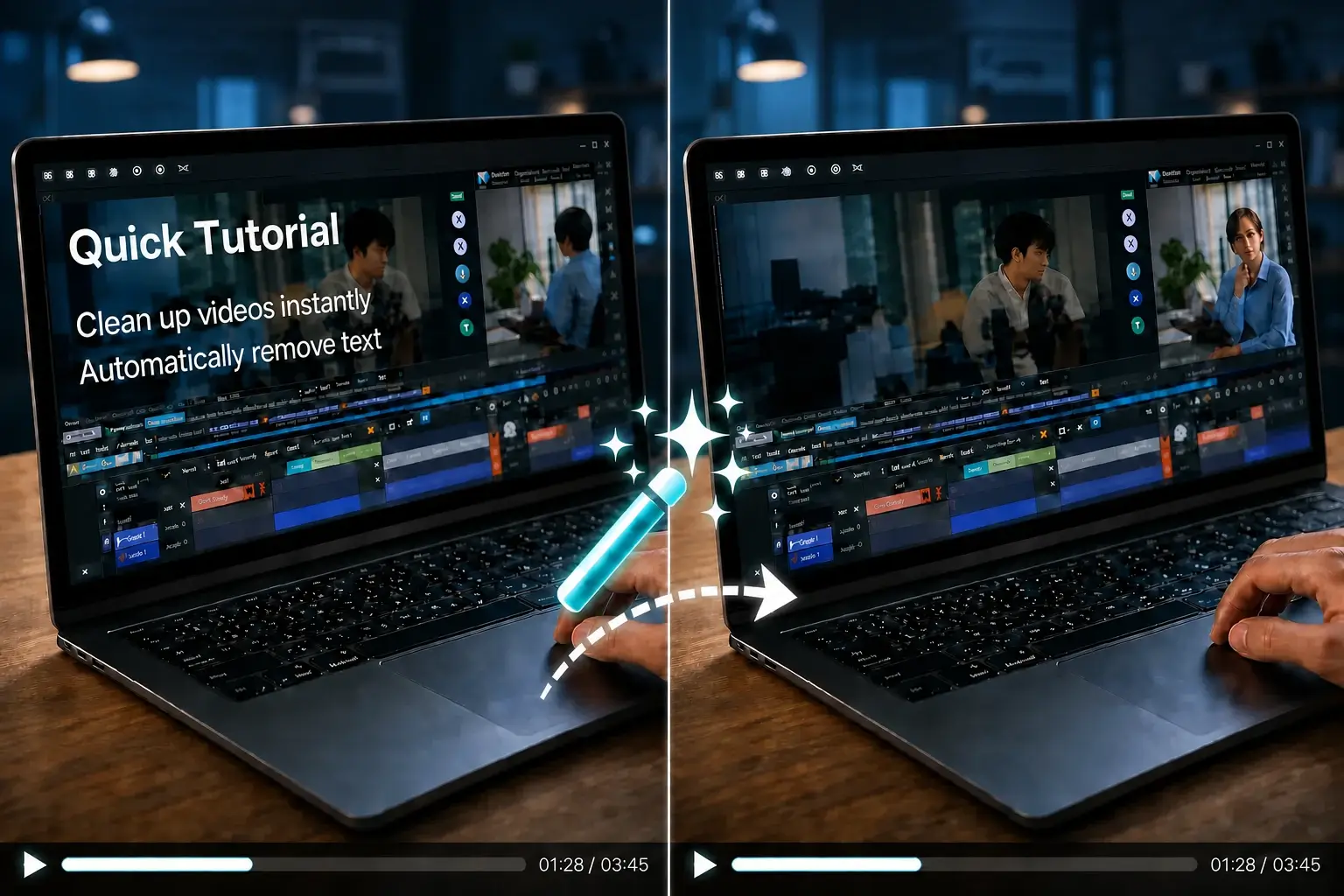
Click the upload button or drag and drop your video file. We support MP4, MOV, AVI, and MKV — files up to 500MB.

Use auto text detection or draw boxes over specific overlays, captions, and watermarks. AI reconstructs the background behind the text — no blur.
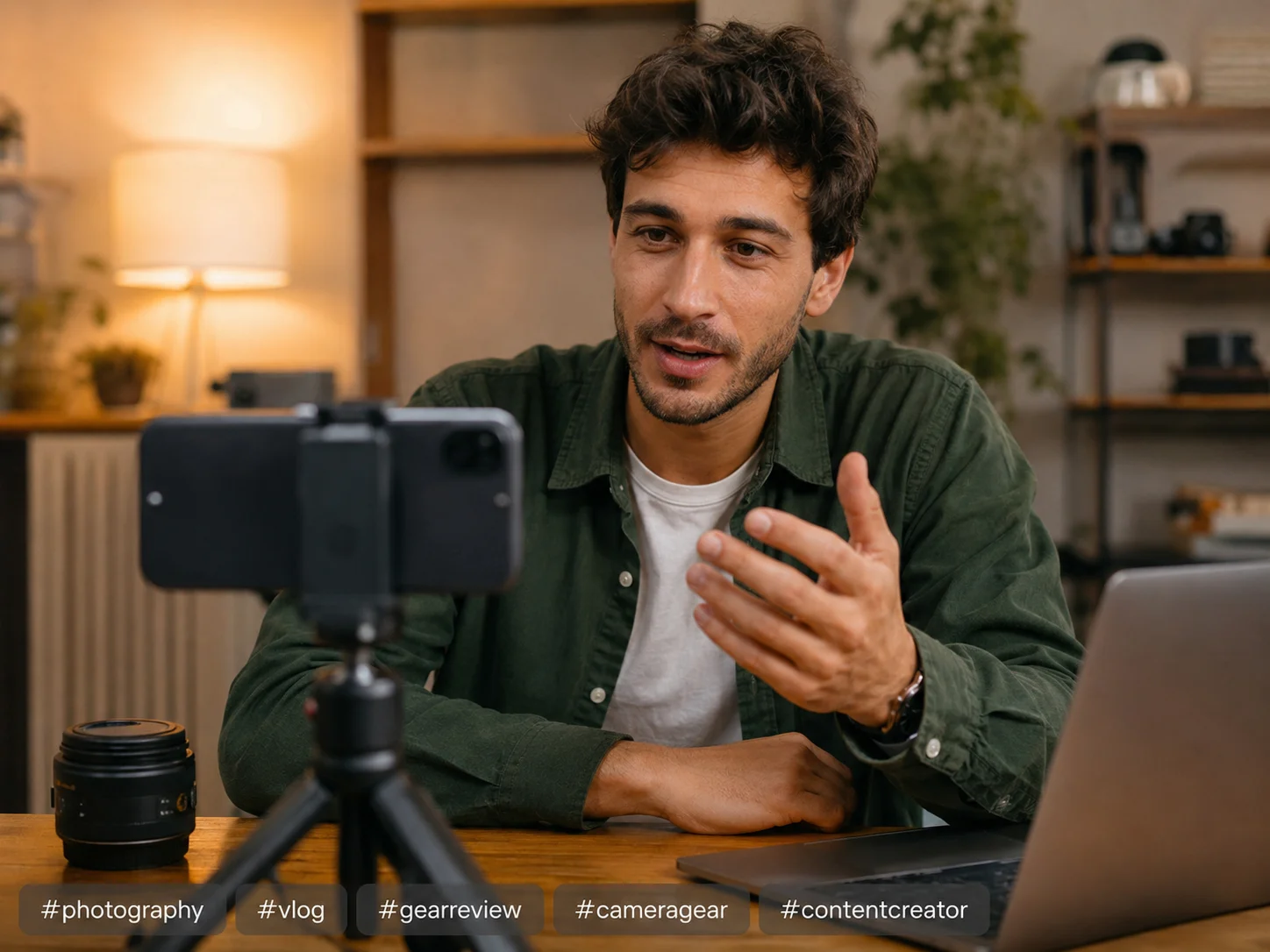
Preview the result, then download. Original resolution and FPS are preserved. No watermark added to the output.
Free to try: Sign in to preview the removal result for free before full processing. No credit card required to preview. For longer videos, check our pricing plans.
Repurpose your content across platforms. Remove TikTok watermarks for YouTube Shorts. Erase subtitles from one language to add another. One tool, infinite reuse.
Recorded a tutorial with outdated on-screen instructions? Remove the old text without re-recording the entire video.
Got a client video with competing branding overlaid? Clean it in seconds — no Photoshop frame-by-frame editing.
Remove text from stock footage before adding your own captions and branding. Make every asset your own.
Unlike basic tools that blur the text area, our AI analyzes surrounding pixels and reconstructs the original background. The result looks like the text was never there.
Run auto text detection across frames, or draw boxes over specific subtitles, watermarks, and logos when you want precise control.
No desktop software to install. No mobile app to download. Everything runs online — just open your browser, upload, and go.
Your videos are processed securely. Source uploads are retained temporarily (typically up to 30 days) for retries and downloads, then cleaned up. We don't share or use your content for training.
| VideoTextRemover | Desktop Software | |
|---|---|---|
| Installation | No download needed | Requires installation |
| Cost | Free preview before purchase | Subscription or one-time fee |
| AI Quality | Background reconstruction, no blur | Often blur-based removal |
| Credit card to try | No credit card required | Often required |
| Watermark Added | No watermark on output | Free version adds watermark |
| Platform | Any device with a browser | Windows/Mac only |
Free preview, watermarks, quality, formats, accounts, and privacy — answered plainly.
Preview the result for free after signing in. No credit card required to preview. No watermark on export.
Remove Text from Video Now — FreeMP4 • MOV • AVI • MKV • Up to 500MB