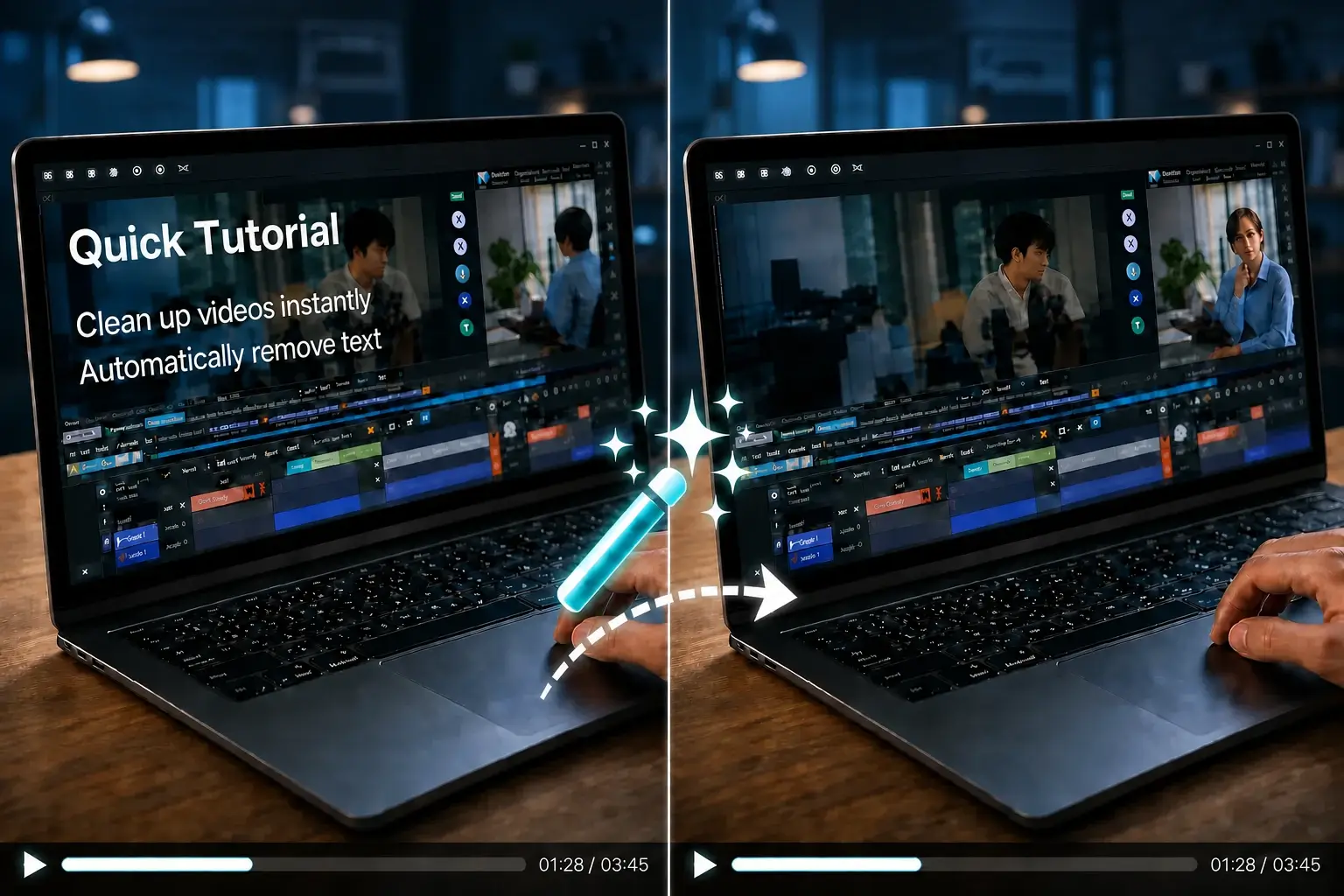

Video Text Remover

Remove TikTok Text from Video — Free, No Blur

Erase TikTok captions, username watermarks, hashtag stickers, and auto-generated text overlays from downloaded clips — AI inpainting, not blur. Upload an MP4 or MOV (up to 3 minutes) and download a clean video in minutes. Start with 30 free credits.

  • ✨ Auto Text Detection
  • ▣ Select Specific Areas
  • ⚡ Standard & Advanced AI
@tiktok

New users get 30 free credits = up to 30 sec Standard processing — no credit card required.

How it works

How It Works — 3 Steps to Remove TikTok Text

  1. Step 1

    Upload

    Drag and drop a downloaded TikTok clip (MP4 or MOV) or paste a link — no install. Create a free account to start with 30 free credits.

  2. Step 2

    AI detects the text

    Our AI scans every frame for captions, username watermarks, hashtags, and sticker text — then reconstructs the background behind them.

  3. Step 3

    Download the clean video

    Get your video back at original resolution with TikTok text removed — no blur box, no added watermark.

Comparison

Why Choose Our TikTok Text Remover?

Automatic AI removal beats manual blur in CapCut and limited free tiers elsewhere.

Below is a quick comparison of how our TikTok text remover stacks up against the tools people usually try first. Most free alternatives only offer a manual blur brush, which leaves an obvious box sitting on top of your text. Ours is fully automatic and uses true inpainting — the removed area is rebuilt from the surrounding pixels.

FeatureOur ToolRemover.videoCapCutFotor
Free tierLimitedLimited
No export watermark
No blur artifacts
TikTok format support
One-click speedLimitedLimited
TikTok text types

What Types of TikTok Text Can Be Removed?

From username stamps to animated caption effects — if it's pixels on the frame, our AI can erase it.

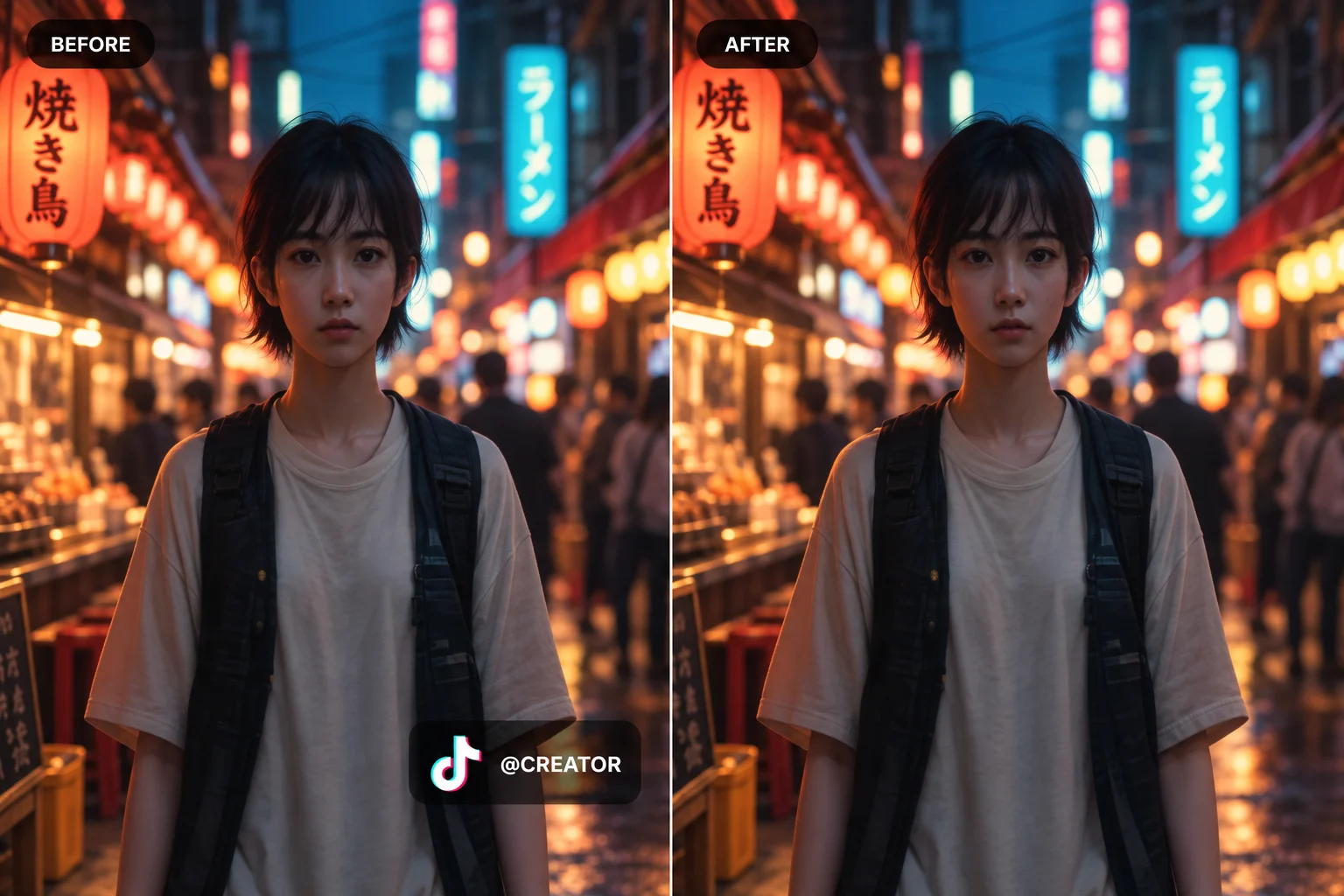
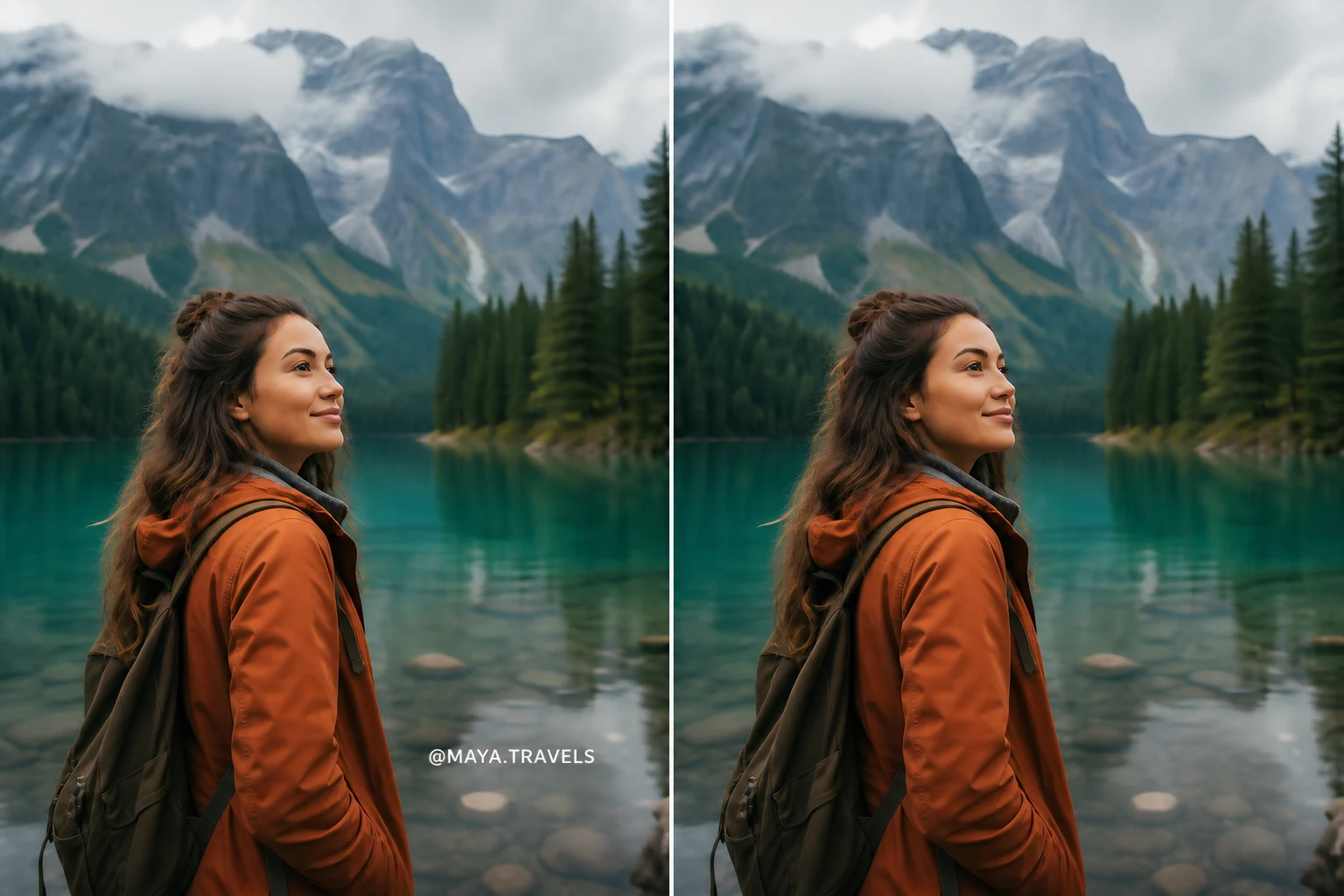
TikTok username watermark removed from video

Username watermarks

When you download a TikTok video, the platform automatically bakes the creator's @username into the corner of every frame. This moving watermark is the single most common reason people look for a TikTok text remover. Our AI detects it frame by frame and removes it cleanly — not by covering it with a blur, but by reconstructing the background pixels behind it.
TikTok caption overlay removed from video

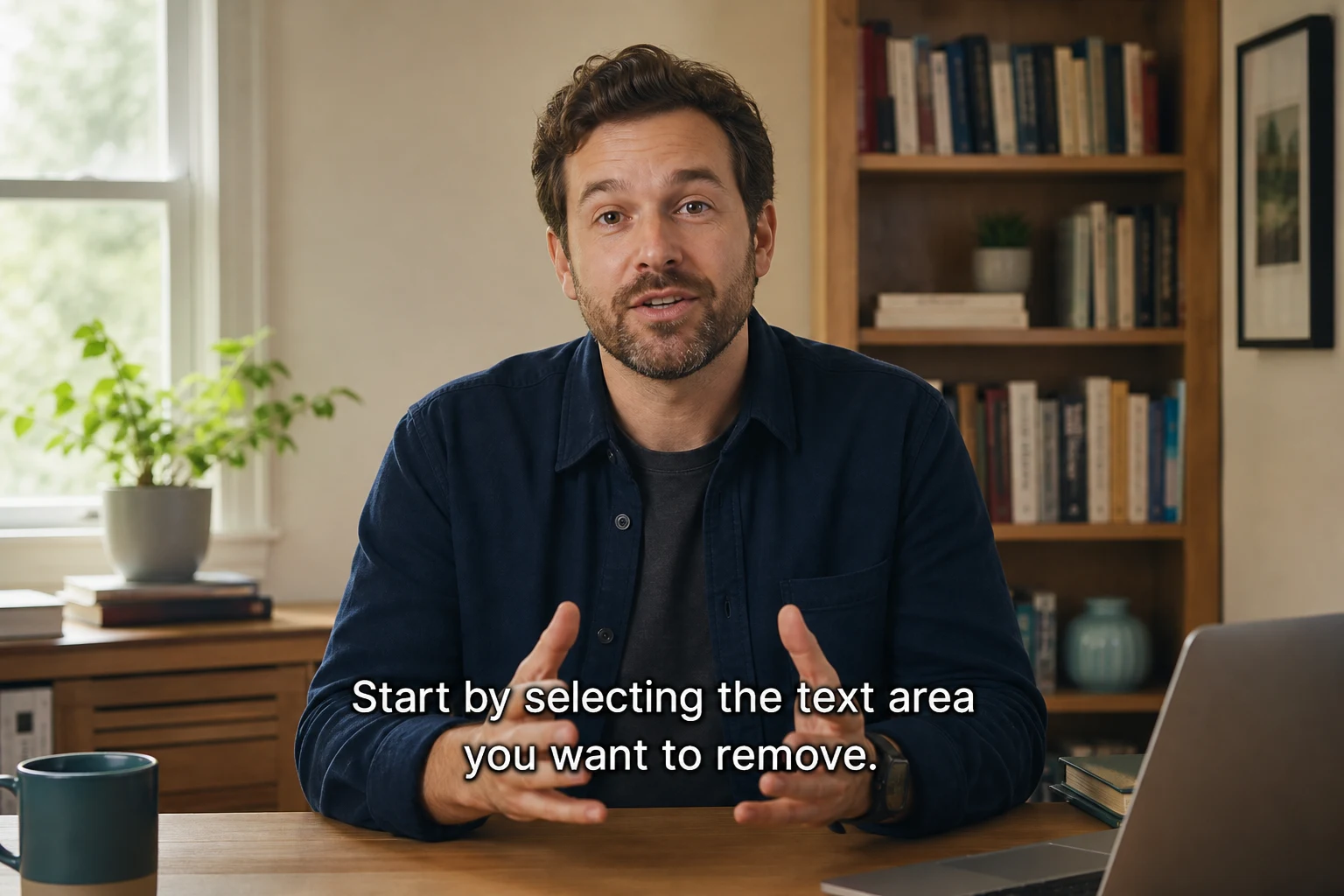
Caption overlays

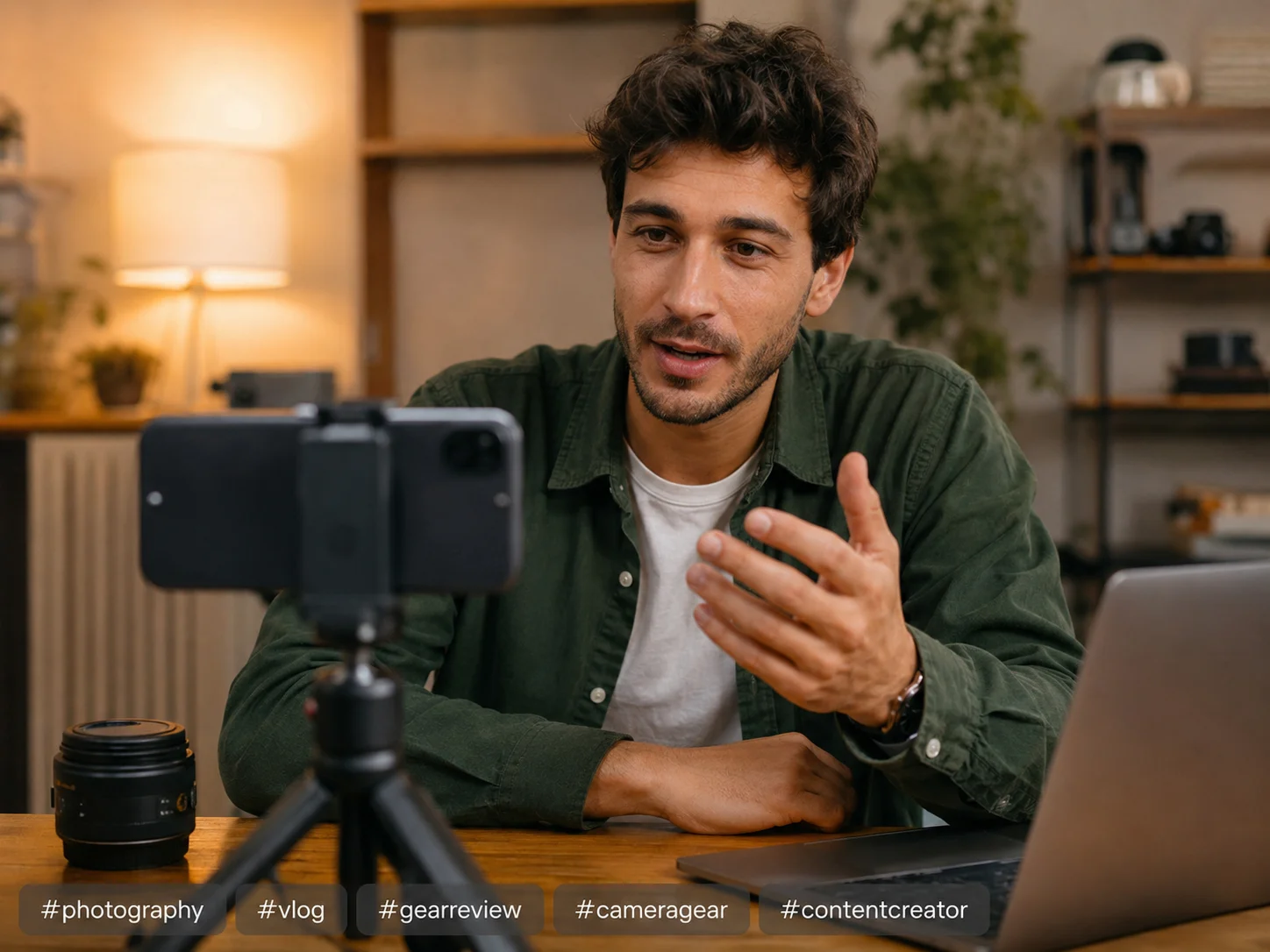
Caption overlays are the titles, subtitles, and call-to-action text that creators add inside the TikTok editor before publishing. Because they're burned directly into the pixels, no editing app can simply "turn them off" after the video is exported. Our tool reads the text region, masks it, and inpaints the area so the final video looks like the caption was never there.

TikTok hashtag sticker removed from video

Hashtag tags

Many TikTok videos end with a stack of hashtag text at the bottom of the frame. If you're repurposing a clip for YouTube Shorts or Instagram Reels, those leftover hashtags look unprofessional. Remove them in the same single pass as the rest of your on-screen text — no extra steps.

TikTok auto-generated text effect removed from video

Auto-generated text effects

TikTok's auto-caption and animated text effects are still plain text regions to our detector. Whether the text sits still or animates across the screen, the tool samples frames, locks each text area, and removes it across the full clip — without leaving blur boxes behind.

This tool also works for Instagram Reels and other short-form clips. For longer videos or batch processing, see our pricing page.

Before / After

Before & After — Real TikTok Text Removal Results

Real examples: username watermarks, caption strips, and hashtag overlays — removed without blur.

TikTok username watermark before and after removal

Username watermark → clean corner

Original: bouncing TikTok @username stamp. After: corner fully reconstructed, no smudge.

TikTok caption text before and after removal

Caption overlay → clear frame

Original: large on-screen caption text. After: background rebuilt behind the text area.

TikTok hashtag sticker before and after removal

Hashtag sticker → seamless fill

Original: #fyp hashtag sticker. After: inpainted background matching surrounding pixels.

TikTok auto-caption before and after removal

Auto-caption strip → natural background

Original: auto-generated caption bar. After: lower third restored without crop or blur.

FAQ

TikTok Text Removal FAQ

Blur, watermarks, quality, pricing, and how we compare to CapCut.

Ready to remove TikTok text from your video?

Upload a downloaded clip, let AI detect every text overlay, and download a clean video — no blur, no manual masking. pricing · remove TikTok watermark

Remove TikTok Text Now