
7 Best AI Video Watermark Removers in 2026
Compare seven AI video watermark removers by control, free preview, and workflow. Video Text Remover is our editor’s pick for Auto + Select Area cleanup.

Watermarks show up on AI exports, stock drafts, screen recordings, and social downloads right when you need a clean deliverable. Most “best of” lists dump ten logos into a table without saying how each tool finds the mark, what you can control, or what you can export for free.
This guide ranks seven AI video watermark removers for 2026 by workflow fit—removal control, free preview, and practical limits—then shows how to choose. Video Text Remover publishes this guide and is our editor’s pick for creators who want automatic detection and manual selection boxes in one browser workflow.
Disclosure: Competitor notes are based on official product and pricing pages reviewed on November 15, 2026. This is a feature and workflow comparison, not a lab benchmark. Features, limits, and prices change—verify on the vendor’s site before you upload. Only remove watermarks from videos you own or have permission to edit.
7 Best AI video watermark removers: Side-by-side comparison
Use this table to shortlist tools before reading the full entries.
| Tool | Best for | Removal control | Free preview | Notes |
|---|---|---|---|---|
| Video Text Remover | Auto + Select Area in one browser tool | Auto detect or draw boxes; Standard / Advanced | Yes — eligible clips after sign-in | Editor’s pick; 15 min / 1 GiB; MP4 out at up to 1080p |
| Wink | Browser video + batch cleanup | Auto and manual modes | Free credits for new users; free exports may include a watermark | Strong video + image coverage |
| HitPaw | Desktop / large local files | Selection box + multiple fill modes | Limited free / preview-oriented trial | Offline desktop option for big files |
| Unwatermark.ai | Preview-first cleanup | Auto detect + manual brush | Free daily/weekly allowances | Video + image; confirm current video quotas |
| WatermarkRemover.io | Fast one-click cleanup | Auto AI (image-first) | Free image processing; video capped short | Best as an image tool with limited video |
| Media.io | Editor-style brush / prompt / blur | Brush, prompt AI, or Gaussian blur | Limited free use (confirm credits) | MP4/MOV up to 15 minutes |
| Vmake | Auto tracking + erase/protect zones | Auto, Smart Pro, erase/protect zones | Free 5-second preview (no signup claimed) | Batch upload; good for moving marks |
Key factors to check for the best watermark remover
Skip tools that only blur a logo, silently downscale the export, or stamp their own mark on the free tier. Check these before you commit a full video:
- AI inpainting quality: Does the product reconstruct the background, or only blur/cover the mark?
- Removal control: Auto-only tools are fast; box, brush, erase, or protect zones matter when detection misses.
- Free preview vs free export: A true result preview lets you judge edges and motion before spending credits.
- Video limits: Duration, file size, formats, and output resolution/fps caps.
- No new watermark on paid export: Confirm the download stays clean after you pay.
- Processing model: Browser/cloud vs desktop/offline—large 4K files often favor desktop.

7 Best AI video watermark removers in 2026
1. Video Text Remover: Editor’s #1 AI video watermark remover
Video Text Remover is built for burned-in text, captions, logos, timestamps, and social overlays. You can run Auto across the frame or switch to Select Area and draw boxes when you need exact control. Standard and Advanced processing cover different reconstruction needs without forcing you into a separate desktop app.
That mix works well when one clip has a corner logo, a creator handle, and burned-in text. Start with automation, then tighten the region when the first pass needs guidance.

Pricing
- New accounts receive starter credits; eligible videos can generate a free result preview after sign-in (about five seconds on longer clips; shorter clips may get a proportional preview or be ineligible).
- Full-video jobs use credits by processed duration (Standard and Advanced use different credit rates).
- One-time packs (examples): Lite $6.99 / 300 credits, Creator $24.99 / 1,800 credits, Pro $59.99 / 5,400 credits.
- Monthly plans (examples): Lite $9.99 / 900 credits, Creator $19.99 / 2,400 credits, Pro $39.99 / 6,000 credits. Annual options are also available.
See the current pricing page for live amounts.
Key features
- Auto detection for whole-frame scans when the watermark is easy to find.
- Select Area boxes when you want to tell the model exactly what to repair (useful for multiple marks).
- Standard and Advanced quality tiers for different footage and reconstruction cost.
- Browser + cloud workflow—no install; upload MP4, MOV, AVI, or MKV up to 15 minutes and 1 GiB.
- Preview before full spend—inspect motion and edges before using credits for the full clip.
- Completed results are MP4 files capped at 1080p and 30 fps.
Steps to remove a watermark with Video Text Remover
- Upload your video. Drag in or choose an MP4, MOV, AVI, or MKV file within the published limits.
- Choose a removal method. Auto scans the frame; Select Area lets you draw boxes over logos or text.
- Choose Standard or Advanced. Standard suits straightforward removals; Advanced is available when the scene needs more reconstruction work.
- Sign in and generate a preview. Eligible clips can be previewed without a credit card.
- Process and download. Full-video processing uses credits; download the cleaned MP4 when you are satisfied.

Try Video Text Remover on a video you own or have permission to edit, and check the free result preview before processing the full clip.
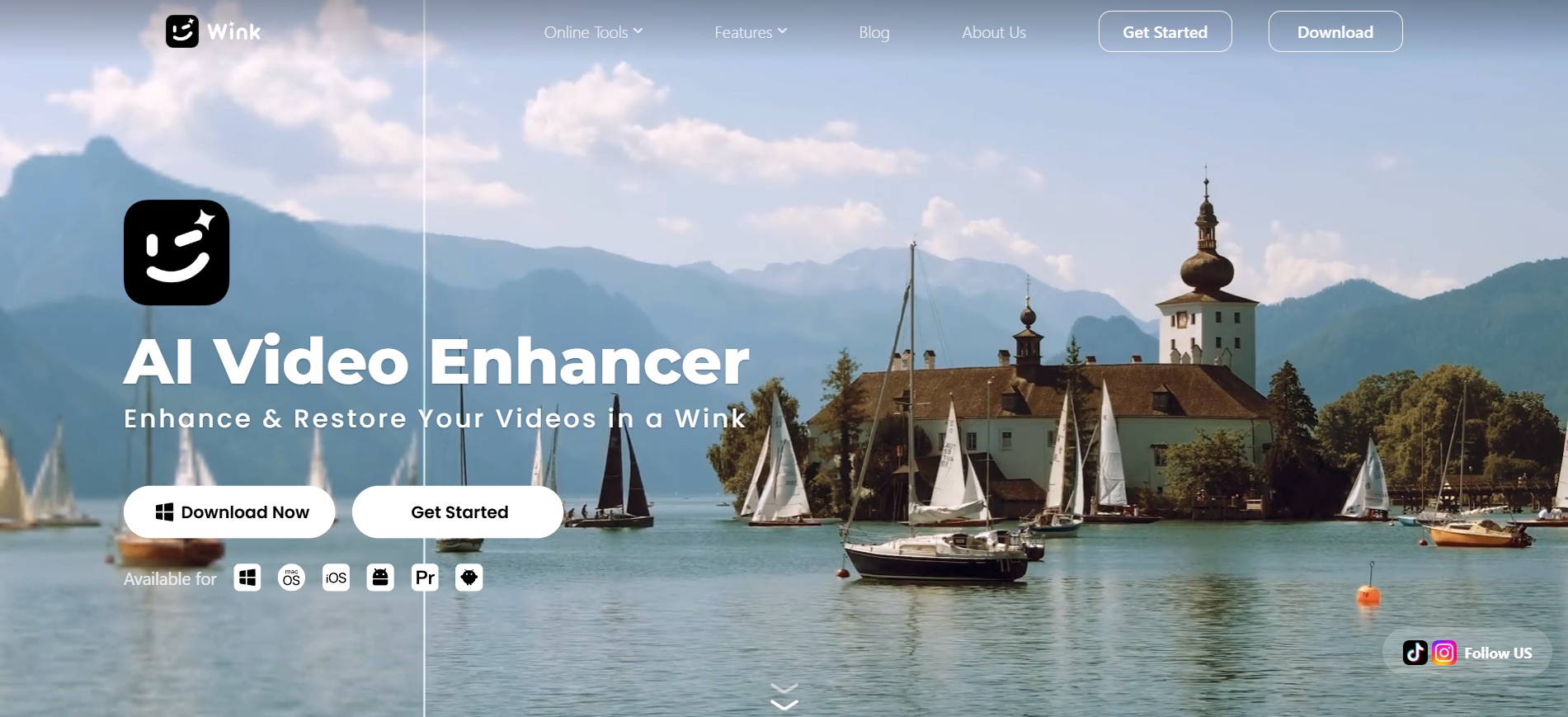
2. Wink: Best browser AI for video + batch cleanup
Wink positions itself as an online AI remover for video and image watermarks, text, and logos, with auto and manual modes and batch upload. It markets frame-by-frame cleanup for platform marks (TikTok, CapCut, Veo, Sora, and similar) without installing desktop software.
Pricing
- Free plan: free credits for new users; pricing page states free-tier exports can include a watermark.
- Creative Plan is credit-based: Standard (~1,000 credits/month) and Pro (~4,000 credits/month), with paid tiers described as watermark-free exports and premium model access.
- Confirm current dollar pricing and credit cost per video job on Wink’s pricing page before a large batch.
Key features
- Auto and manual removal modes in the browser.
- Batch processing for multiple files in one session.
- Claims to preserve resolution and aspect ratio while reconstructing backgrounds.
- Works on both stills and video—useful if your workflow mixes formats.
Best for: creators who want a browser-first tool with batch mode and are fine managing a credit subscription. Watch for: free exports that re-watermark; always preview a paid run on a short clip first.
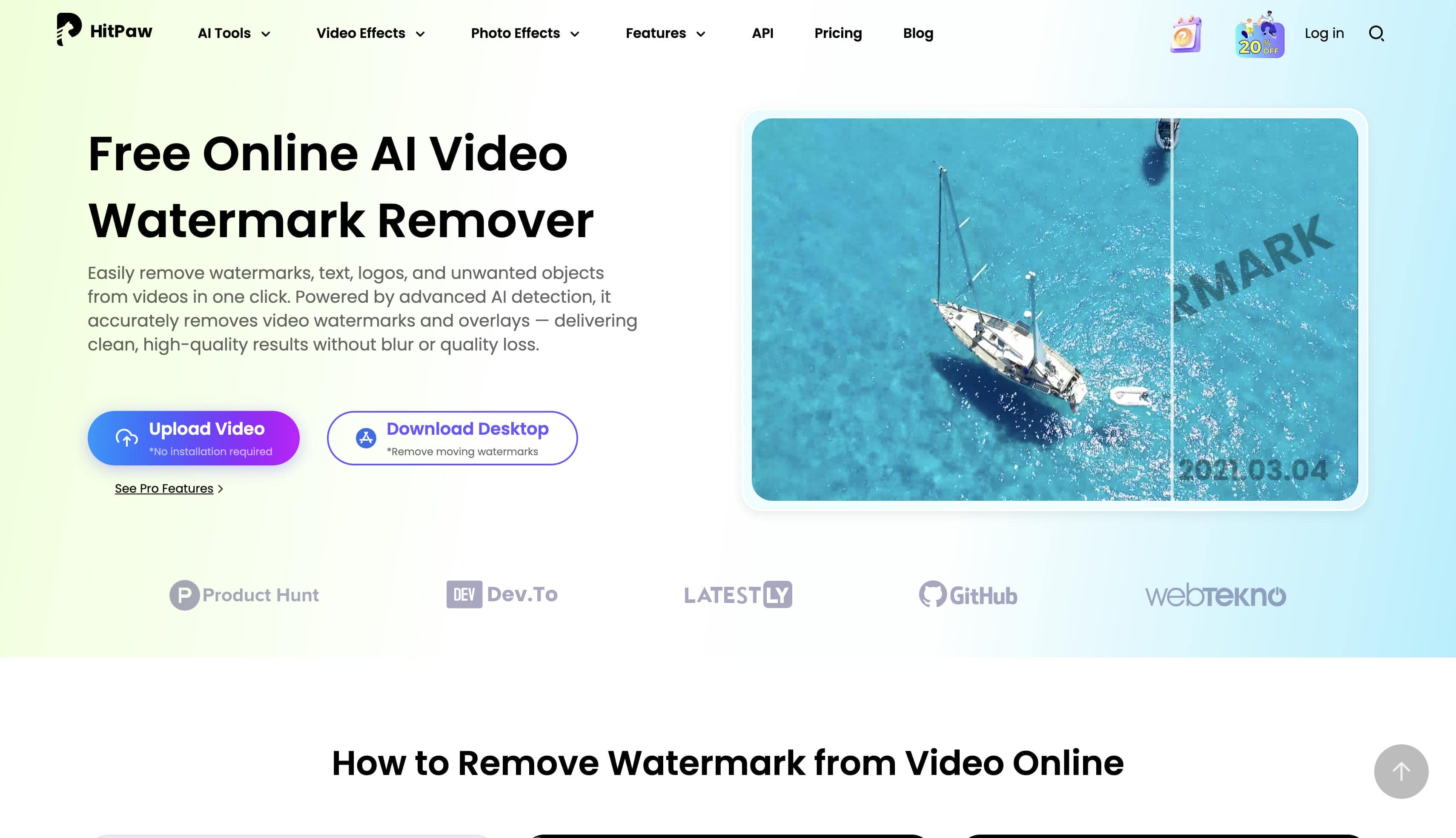
3. HitPaw: Best for desktop and large local files
HitPaw Watermark Remover is a Windows/Mac desktop product aimed at video and photo cleanup. It emphasizes local processing (helpful for large or sensitive files), a selection box workflow, and multiple fill modes (AI mode plus classic fill/blur options). An online free path is also marketed, with the desktop app positioned as the fuller product.
Pricing
- Free / limited trial with preview-oriented or restricted exports (confirm current free rules in the installer or online tool).
- Paid weekly, monthly, and yearly AI-credit plans are commonly listed on review pages; treat dollar amounts as changeable and verify on HitPaw’s store before purchase.
Key features
- Desktop processing for large local videos without long cloud uploads.
- Selection-based removal with several reconstruction or cover modes.
- Handles static and moving watermarks per product marketing.
- Separate photo modes (texture/edge/smooth fill) alongside video tools.
Best for: editors sitting on big 4K files or who prefer offline processing. Watch for: trial limits on full export and whether “AI mode” vs blur/fill modes match the quality you need.
4. Unwatermark.ai: Best preview-first online cleaner
Unwatermark.ai markets auto detection, a manual brush, and video watermark cleanup alongside image tools. The public workflow stresses upload → auto or brush → preview → download, with no-login trial language on the marketing site and explicit free allowances on the pricing page.

Pricing
- Free allowances published on the pricing page (as of review): auto removal a few times per day, higher manual daily caps, and a weekly video removal allowance.
- Monthly subscription credits (reset each cycle) and one-time credit packs that do not expire.
- Confirm live quotas and whether video jobs consume the weekly free allowance before a long upload.
Key features
- Auto locate-and-erase for logos and stamps.
- Manual brush for stubborn or complex marks.
- Video cleaner positioned for social and AI-generated clips.
- Preview before download on the marketed workflow.
- Common image and video formats (JPG/PNG/WEBP, MP4/M4V/MOV, and similar).
Best for: quick online trials when you want both auto and brush control. Watch for: free video quota caps and what “preview” includes vs full download.
5. WatermarkRemover.io: Best one-click tool (image-first, limited video)
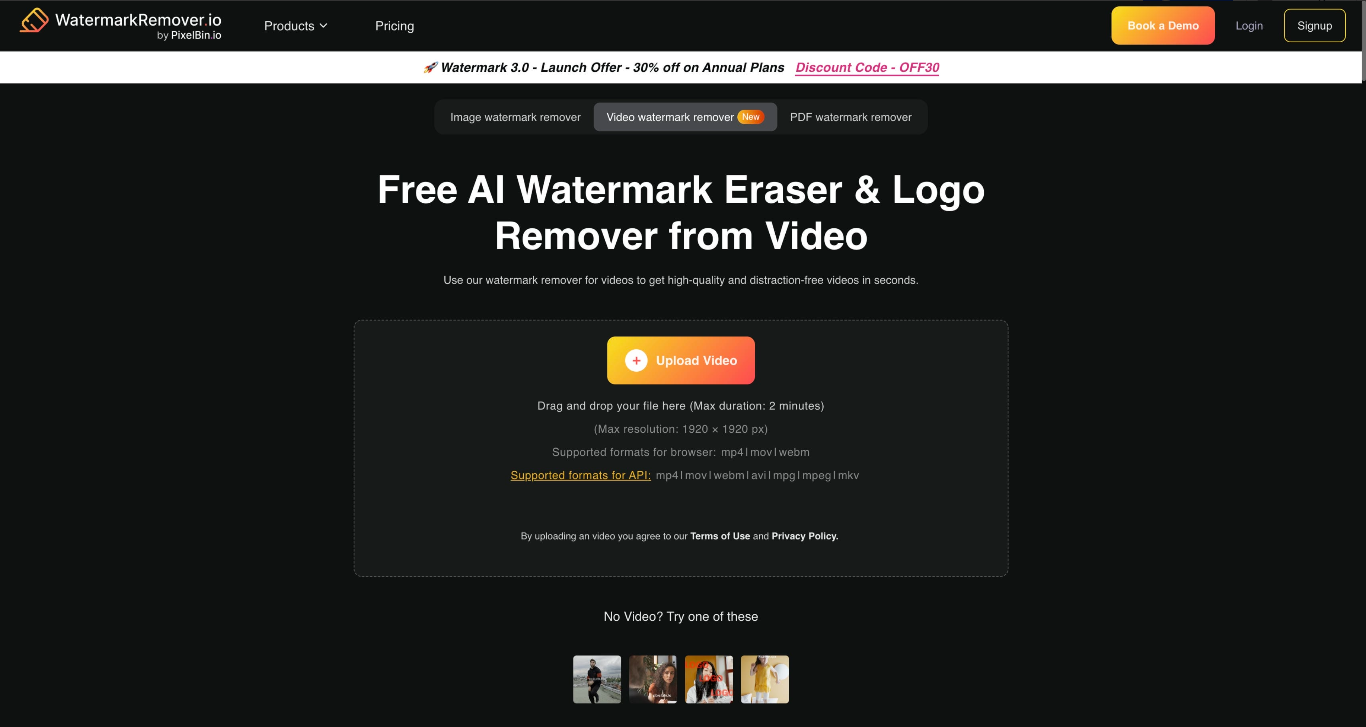
WatermarkRemover.io (Pixelbin-powered) is known for fast automatic image watermark removal. The homepage also lists video among supported types with a short duration ceiling (about two minutes on the published guidelines), so treat it as image-first with limited video utility rather than a full long-form video suite.
Pricing
- Free image processing on the website for many users.
- Batch / commercial plans via Pixelbin for heavier image volume.
- Confirm whether video jobs share the free tier or require a paid plan, and note the short max duration.
Key features
- One-click auto detection for images.
- Live before/after style preview for photos.
- Batch options on commercial plans.
- Video support advertised with strict length/format guidelines (MP4/MOV/WebM listed).
Best for: cleaning stills quickly, or very short clips within the published video cap. Watch for: duration limits and image-oriented defaults if your main need is multi-minute video.
6. Media.io: Best editor-style brush, prompt, and blur options
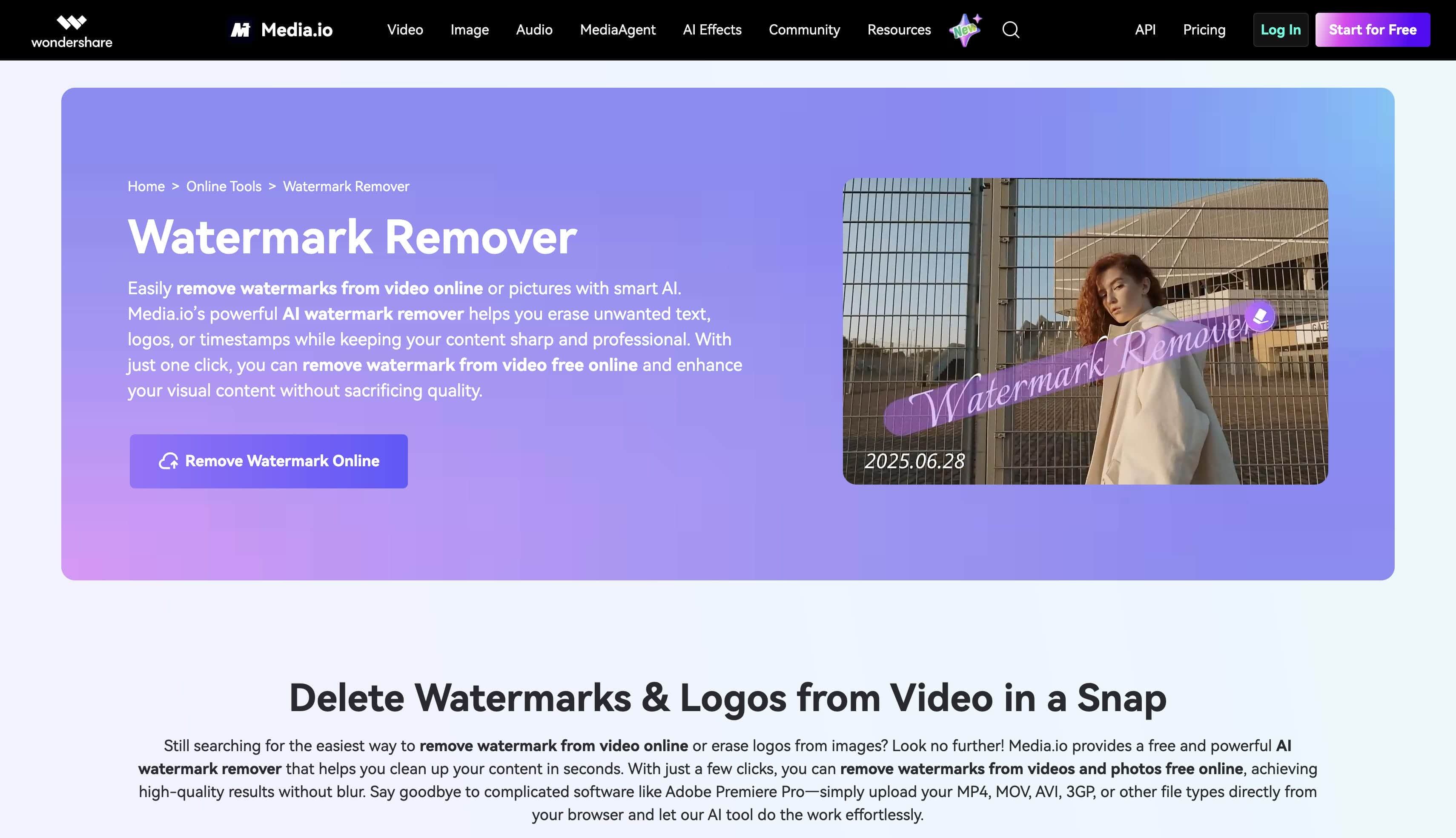
Media.io’s video watermark remover is an online editor-style tool: upload MP4 or MOV (up to 15 minutes), then pick Basic Model (brush), AI Model (text prompt), or Gaussian Blur (box to obscure). That flexibility helps when you know whether you want reconstruction or a simple cover-up.
Pricing
- Free or limited usage is marketed across Media.io’s tool set; exact credit cost for watermark removal is not always spelled out on the landing page—confirm in-product before a long job.
- Account requirements and free-export rules can differ by tool; verify at export time.
Key features
- Brush-based Basic Model for precise targeting.
- Prompt-guided AI Model when describing the mark is easier than painting it.
- Gaussian Blur when hiding the mark is enough (does not reconstruct the background).
- 15-minute MP4/MOV ceiling on the documented online workflow.
- Preview of the edited area before download.
Best for: users who want editor-like control (brush vs prompt vs blur) in the browser. Watch for: blur mode being mistaken for true removal, and credit/account rules at export.
7. Vmake: Best auto tracking with erase and protect zones
Vmake Labs markets an online remover for static and moving watermarks, with Smart Pro, erase zones, protect zones, and batch uploads (up to about 30 videos per product copy). It also highlights a free five-second preview and HD full export as a paid/credit step.

Pricing
- Free watermark removal trial with a five-second preview; product copy states no signup is required for the trial—confirm in the live UI.
- Full HD export uses the product’s credit or plan system; check the current cost shown before processing.
- API/CLI options exist for automated pipelines.
Key features
- Automatic detection and tracking for moving marks.
- Erase and protect zones when auto needs guidance.
- Smart Pro mode for harder text and busy backgrounds.
- Batch processing for campaign-style libraries.
- Common formats including MP4, MOV, and AVI per marketing.
Best for: moving platform marks and batch cleanup with zone-level control. Watch for: full-export pricing after the free preview and success rates on busy motion.
How to choose the right watermark remover for you?
Match the tool to the job, not the biggest logo on the landing page:
- Need Auto + precise boxes in the browser? Start with Video Text Remover and inspect the free preview.
- Need batch in the browser across video and stills? Compare Wink’s batch tab and credit plans.
- Working offline with huge local files? HitPaw’s desktop path is the better fit.
- Want a quick free online trial with brush control? Unwatermark.ai’s published free allowances are worth testing.
- Mostly images, occasional short video? WatermarkRemover.io stays in its lane.
- Want brush vs prompt vs blur in one editor? Media.io’s three modes are explicit about the tradeoff.
- Moving marks or many files at once? Vmake’s tracking + zones + batch story is aimed at that workflow.
Whatever you pick, preview a segment with camera motion and detailed backgrounds before spending credits on the full timeline.
Conclusion
The best AI video watermark remover is the one that matches your control needs and lets you verify the repair before you pay. Automatic detection saves time; manual boxes, brushes, or erase/protect zones save failed exports; blur and crop are fallbacks when reconstruction is not required.
We recommend Video Text Remover when you want Auto and Select Area in the same cloud workflow, with a free result preview on eligible clips. Upload a video you own or have permission to edit, choose the method, and check the preview before running the full job.
FAQ
What is the best free AI watermark remover for video in 2026?
Look for a tool that reconstructs the background and lets you preview before paying. Video Text Remover offers a free result preview for eligible clips after sign-in. Wink, Unwatermark.ai, and Vmake also publish free or limited trial allowances—always confirm whether the free export adds a new watermark.
Which AI watermark remover works best for video, not just images?
Choose a product that processes video frame by frame. Video Text Remover, Wink, HitPaw, Unwatermark.ai, Media.io, and Vmake all advertise video workflows. WatermarkRemover.io is strongest for images and lists a short video limit, so confirm video support before uploading a long clip.
Can AI remove a watermark without cropping or blurring?
Yes. AI inpainting can rebuild the pixels behind a watermark while keeping the frame size. Results depend on motion, background detail, and how much of the frame is covered, so inspect the preview for smearing, flicker, or warped edges.
Is Video Text Remover free to use?
You can sign in and generate a free result preview for eligible videos without a credit card. Longer videos get a five-second preview; shorter clips may get a proportional preview or be ineligible. Full-video processing uses credits. New accounts receive starter credits.
What video formats and limits does Video Text Remover support?
Video Text Remover accepts MP4, MOV, AVI, and MKV files up to 15 minutes and 1 GiB. Completed results are MP4 files capped at 1080p and 30 fps.